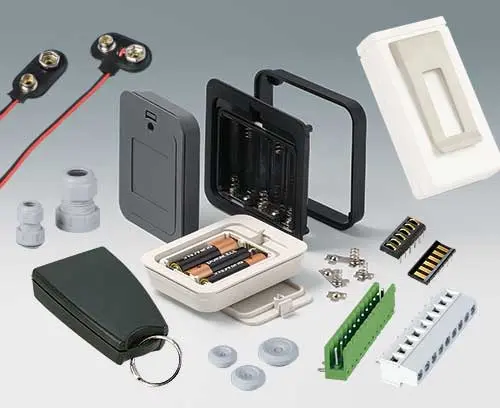
 Accessories for enclosures
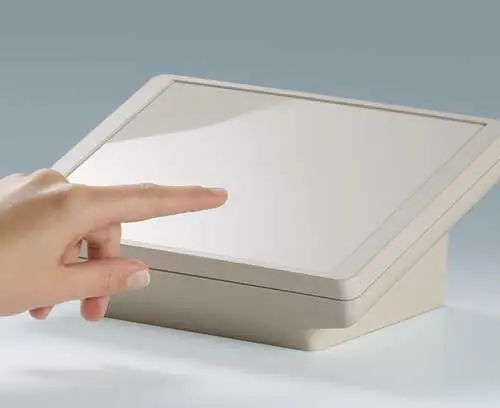
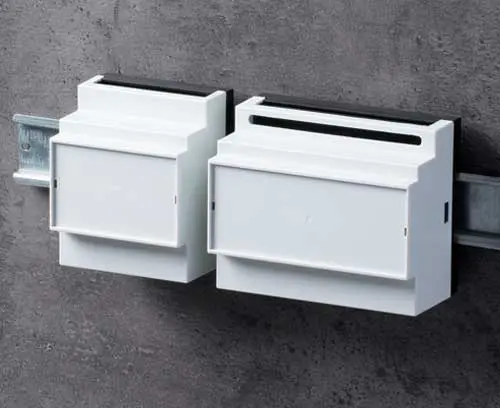
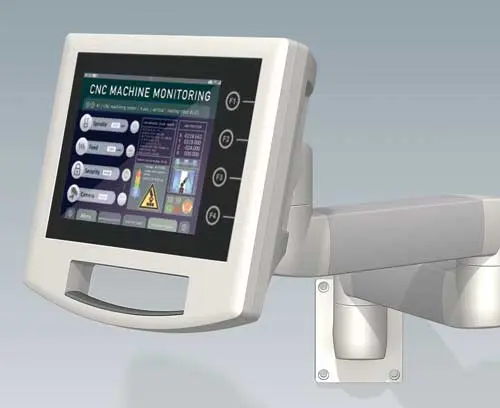



























How do I get a sample or quote?
This website has a shopping cart icon for creating your own personal product list which you can use to compare different enclosures and tuning knobs, create your own parts lists, and request samples and a quotation.

HOW TO USE THE BASKET SYSTEM?
- Click on the product basket icon to add a product to your personal list.
- Continue to use the product basket icon to add more products as you browse through the site, e.g. add suitable accessories or alternative enclosures to your list.
- Click on the "delete" button to remove any unwanted items from your list.
- You can review your basket at any time by clicking on the "i" button on the right side of your browser window.
- Use the product basket to request a quotation. Enter your quantities on the enquiry form you need.
- For sample requirements just put a tick on the request form (Note: we normally only provide one sample of each enclosure).
- Use "PDF Export" to download your product basket as a PDF.
Once you are happy with your product basket click on "Continue to enter contact data >>", then complete your contact details and hit "Submit Enquiry".
Your samples and/or quotation will be with you shortly.
Note: You’ll receive a copy of your „online enquiry“ by auto response.